Before the round
Tee Times
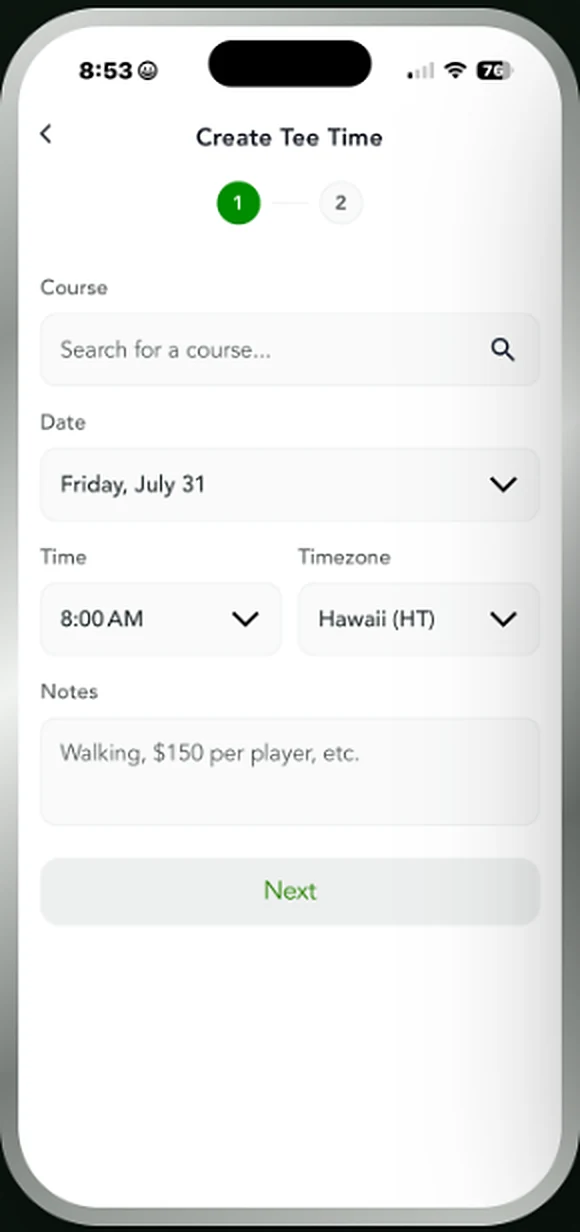
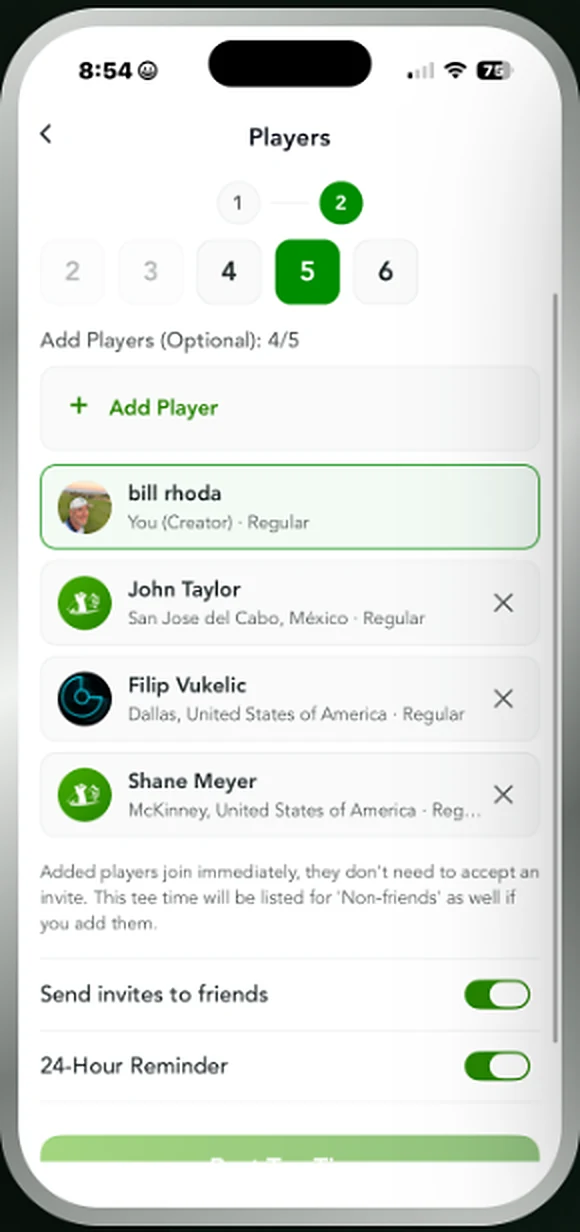
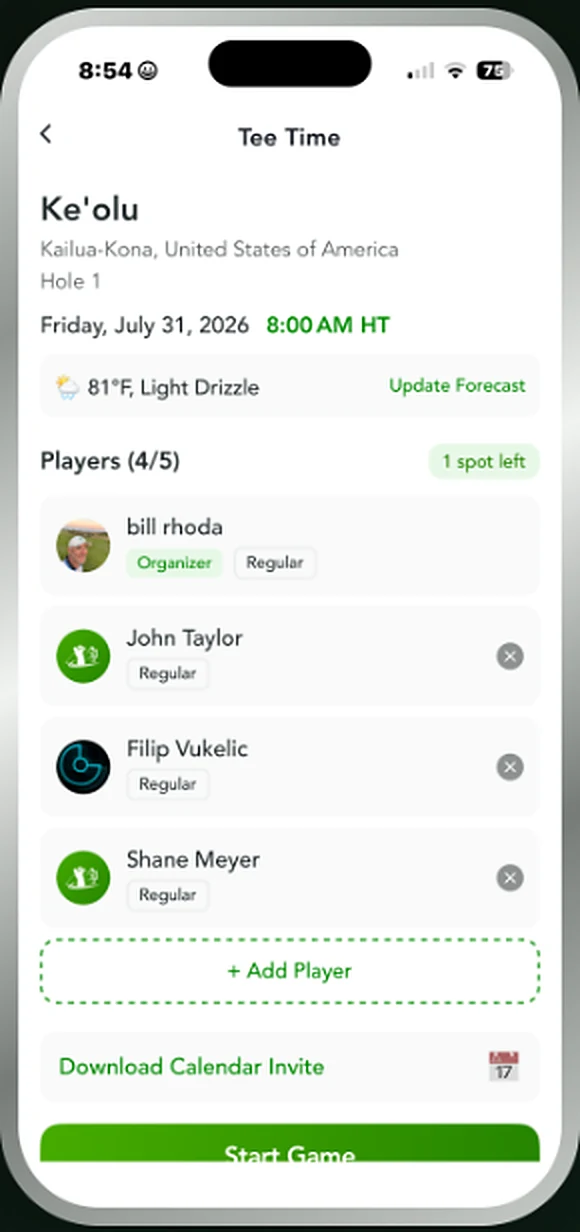
Post a tee time, take one of the spots yourself, and fill the rest. Friends get invited, everyone gets a 24-hour reminder, and the round starts straight from it.
Search for the course, pick the date and time in the right timezone, and set how many golfers you need. Add players from your friends list and they join immediately — no invite to accept. Leave spots open and the tee time is listed for friends to claim, with a wait list once it fills. The tee time card carries the course, the forecast and a calendar invite, and when everyone shows up, any player taps Start Game to go straight into setup.
The games
Wolf
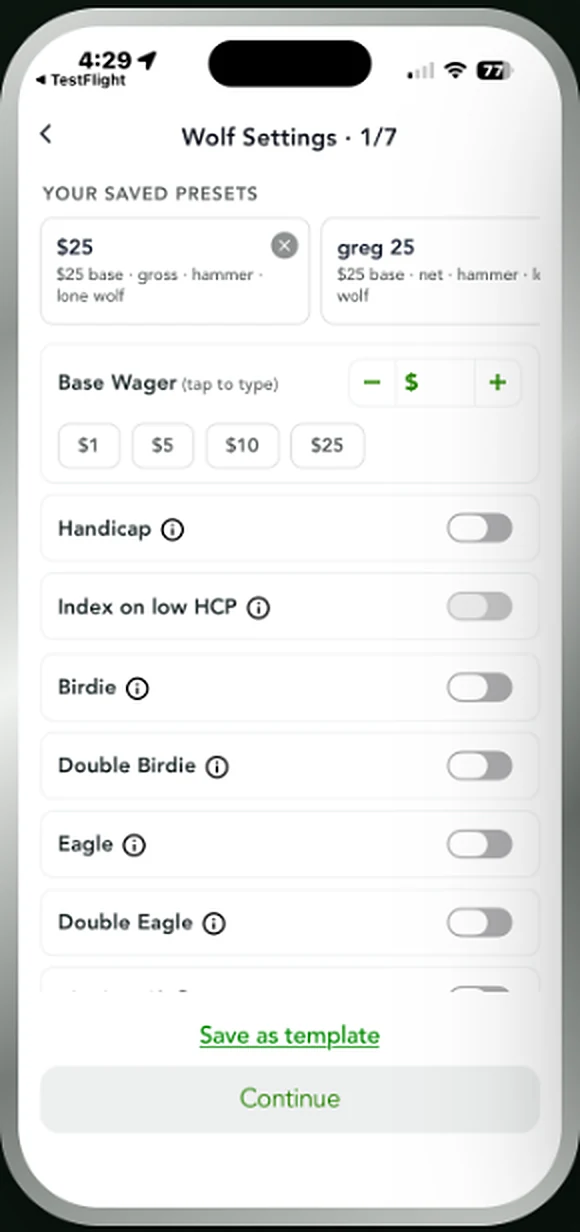
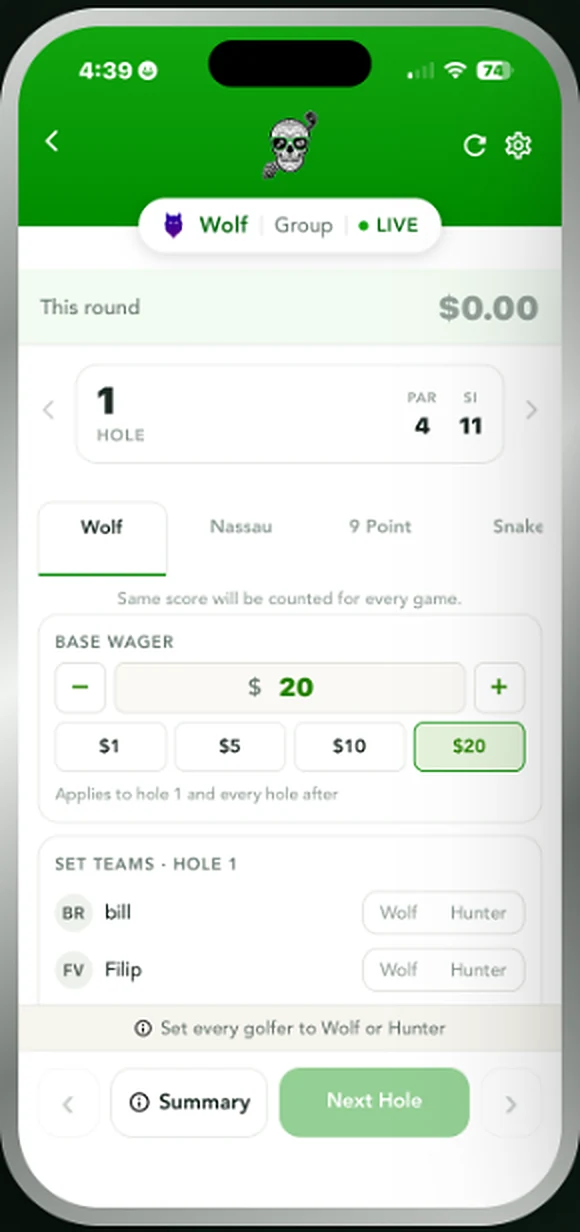
4–5 golfersOne golfer picks a partner off the tee — or goes lone wolf for double. Presets, multipliers and hammer all live in setup.
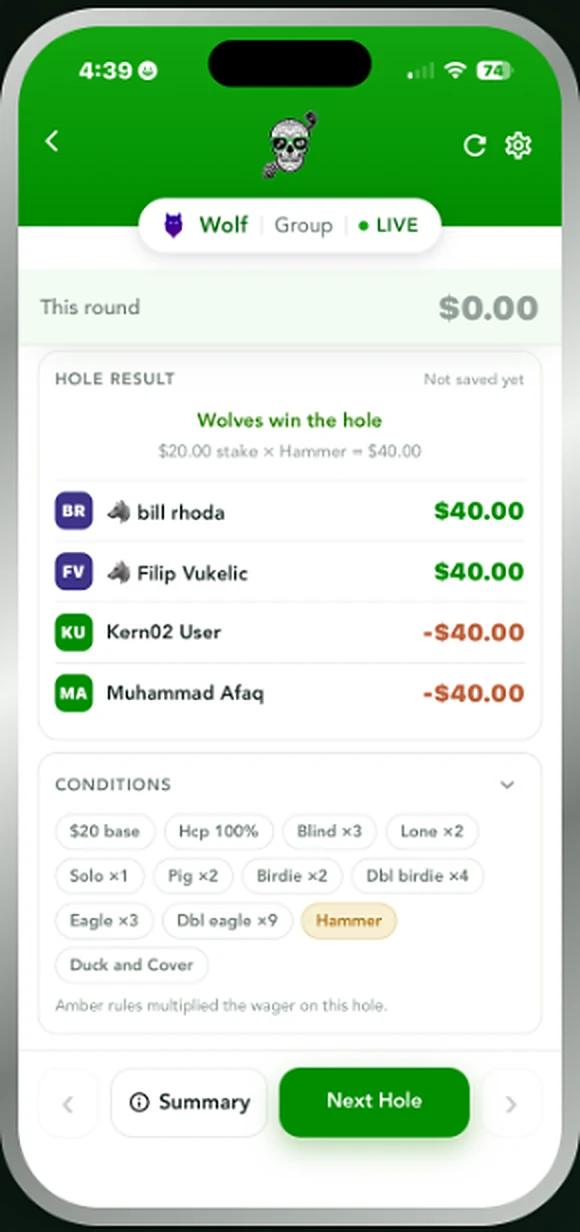
The wolf rotates each hole. After watching the others tee off, the wolf either takes a partner and plays two against the rest, or declines everyone and goes alone for double. Set your base amount per hole, turn on handicaps, and switch on the multipliers your group plays — birdie, double birdie, eagle, double eagle, hammer, duck and cover. Every hole shows who won, what the multipliers did to it, and the running total for each golfer.
Nassau
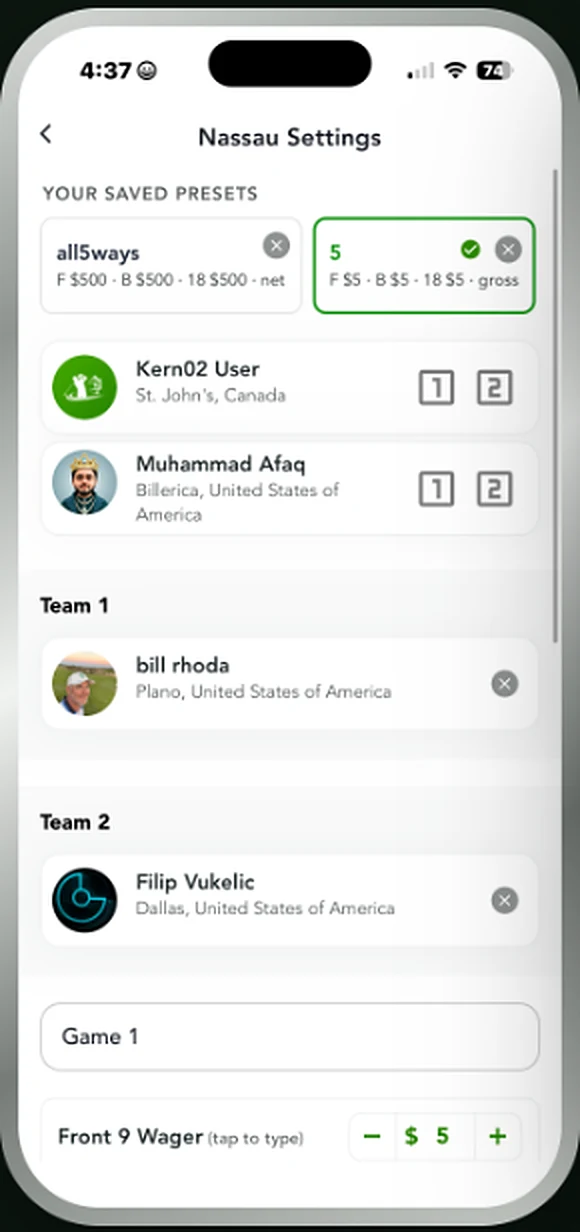
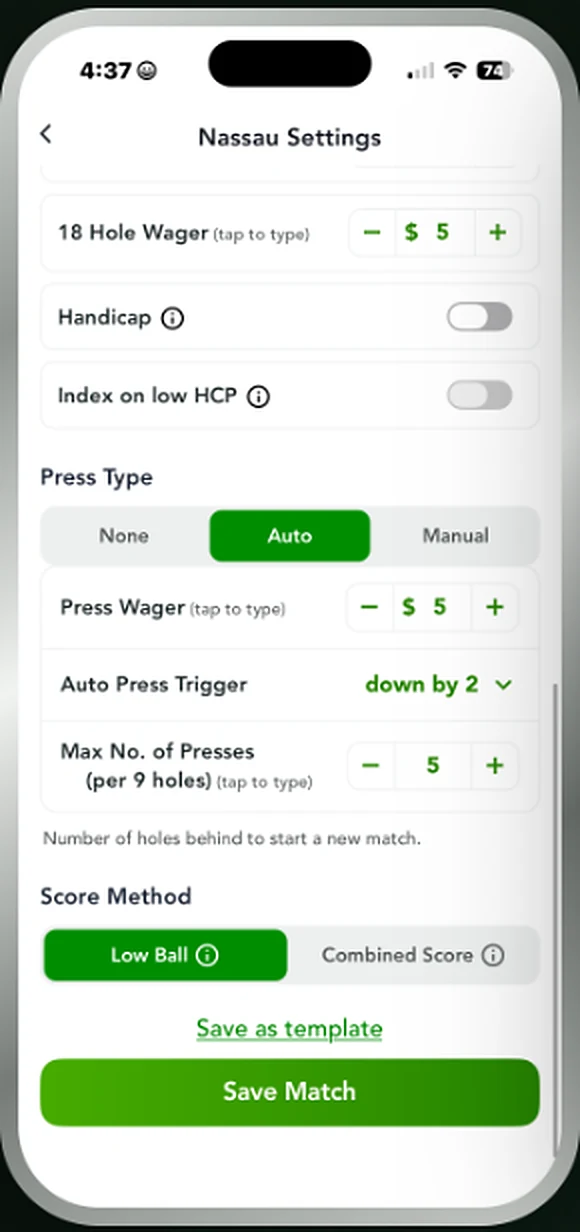
2–4 golfersThree matches in one round. Set the front, back and overall amounts, then let auto presses fire when a side goes down.
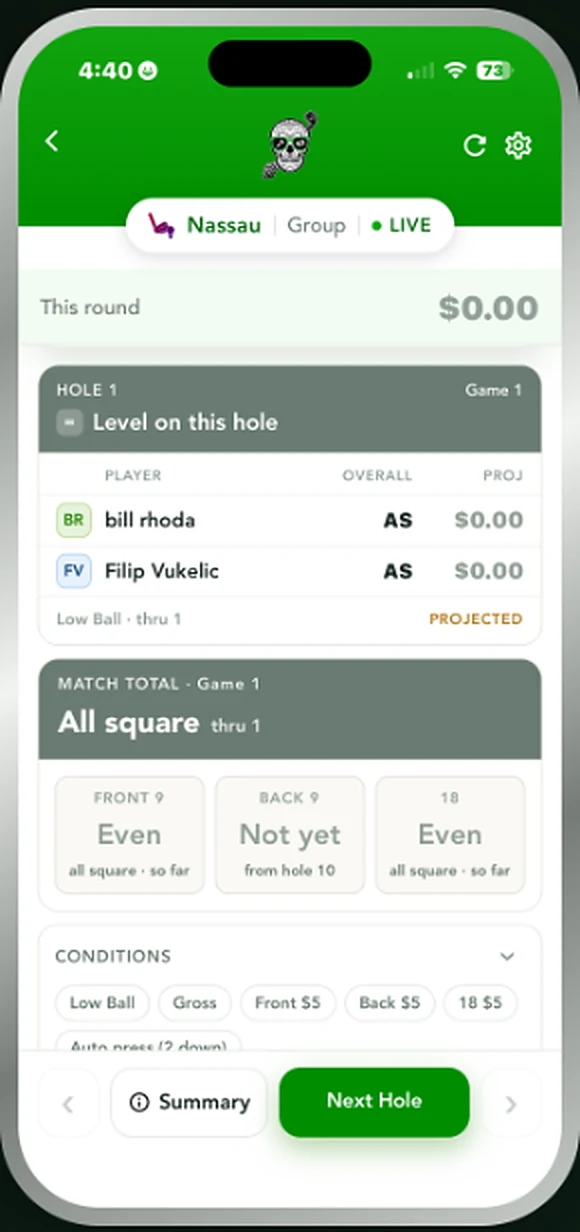
Nassau splits the round into the front nine, the back nine and the full eighteen — three separate matches running at once. Set an amount for each, choose low ball or combined score, and pick your press type. On auto, a new match starts the moment a side falls the number of holes behind you set, up to a cap per nine. The live match view shows each match separately, all square or otherwise, with the projected result as the round goes on.
Skins
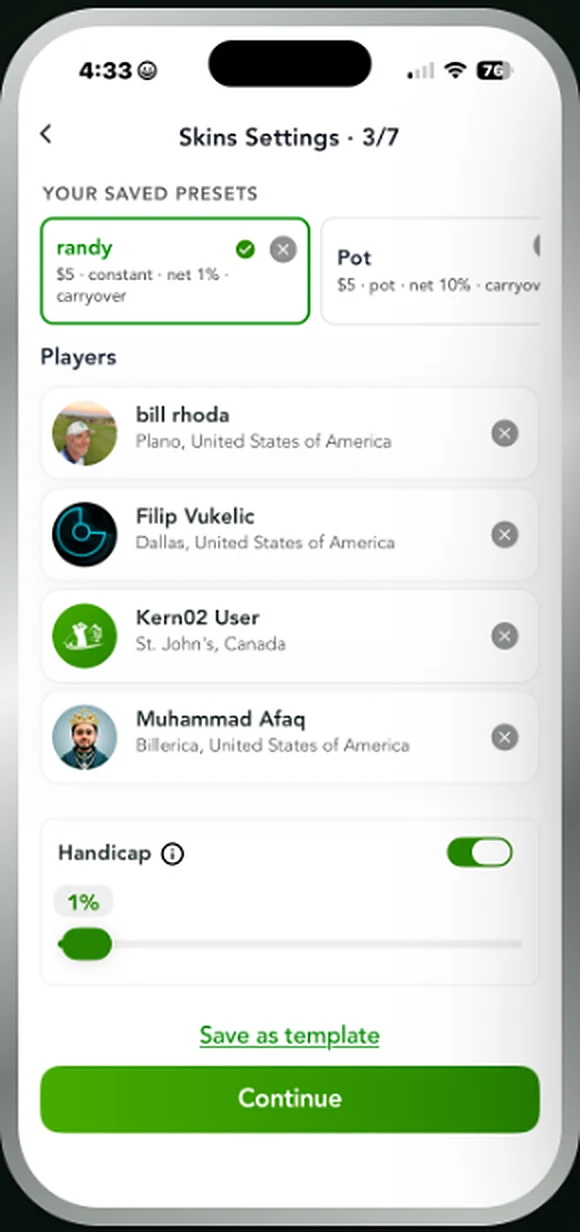
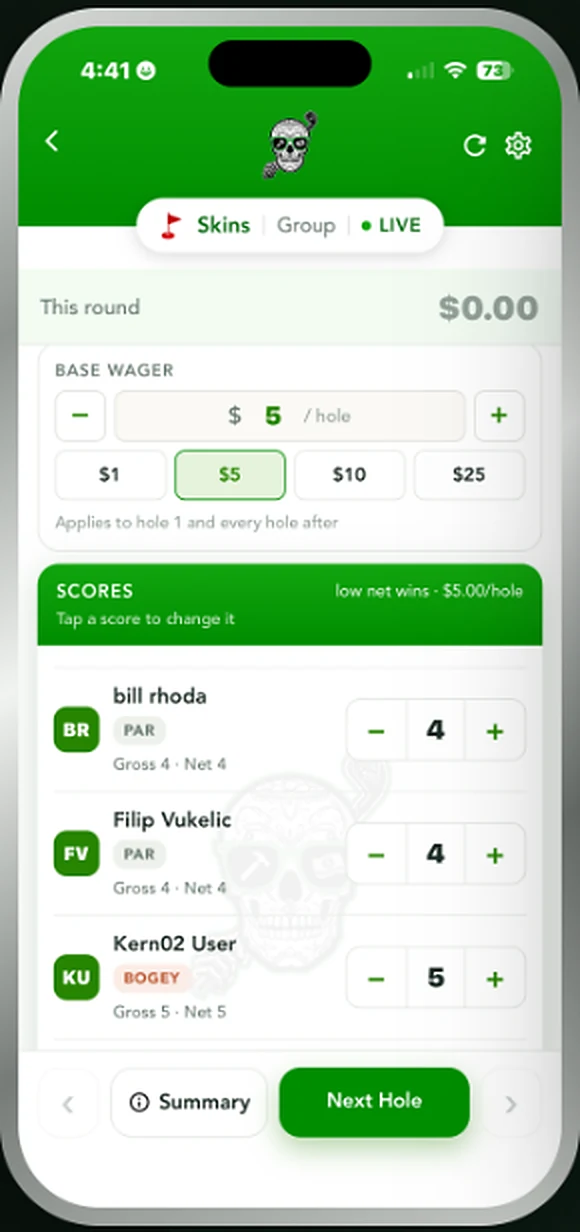
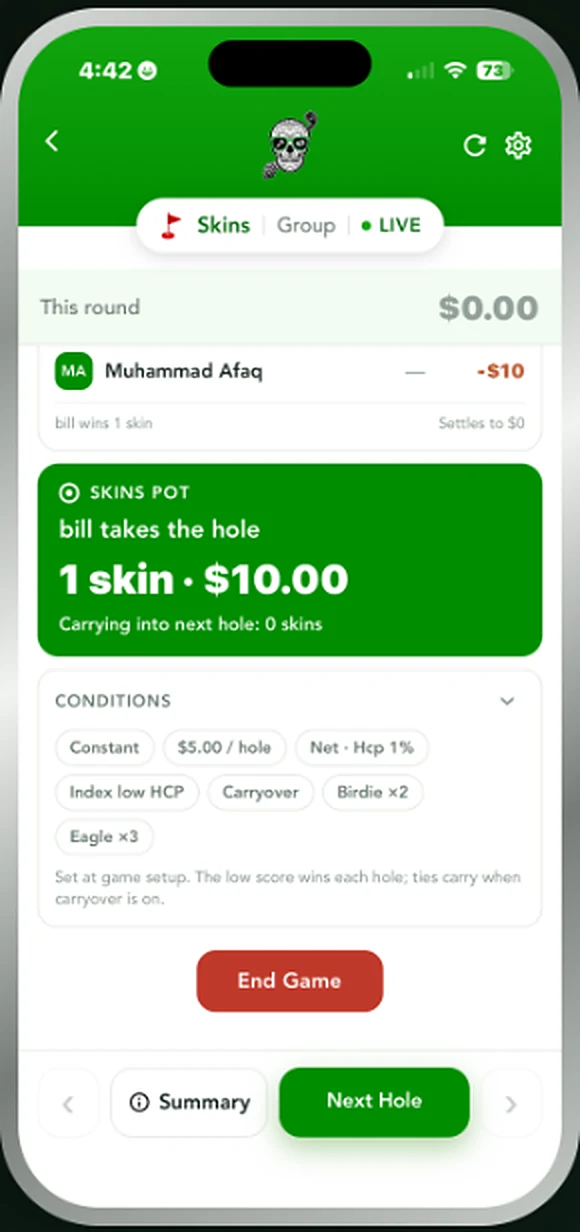
2+ golfersLow score takes the hole. Ties carry, birdies double, and the running total shows exactly what is riding on the next tee.
Every hole is its own contest. Win it outright and the skin is yours; tie it and the skin carries forward to the next hole, stacking up until somebody separates. Play it constant per hole or as a single pot for the round, with handicaps and carryover on or off, and birdie and eagle multipliers if your group plays them. The pot view shows who took the last hole, how many skins are held, and how much is carrying into the next tee.
Match Play
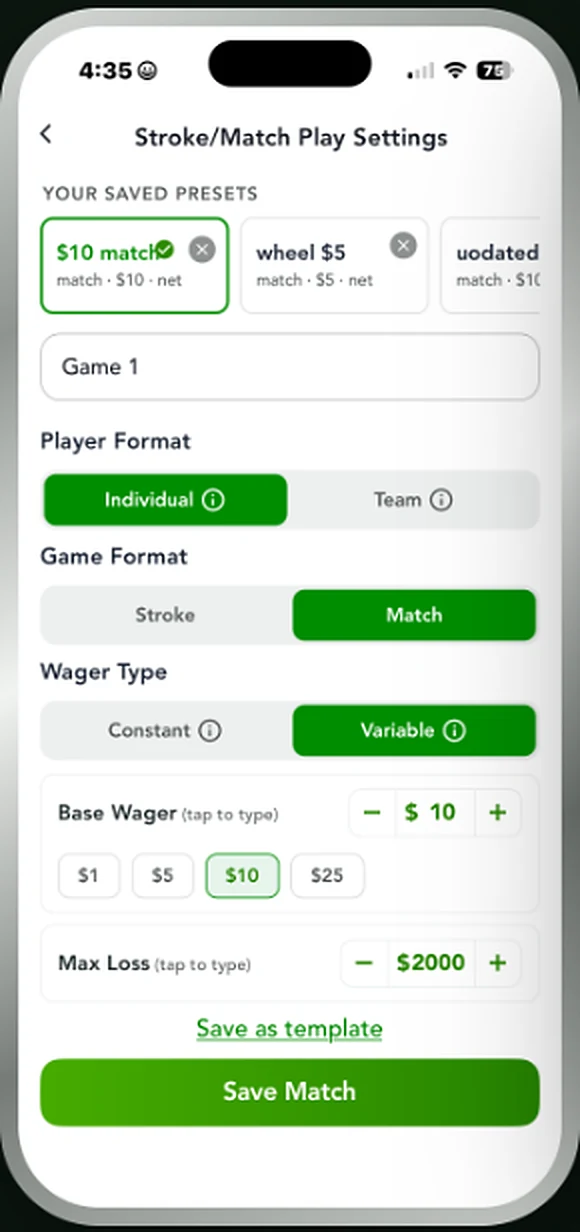
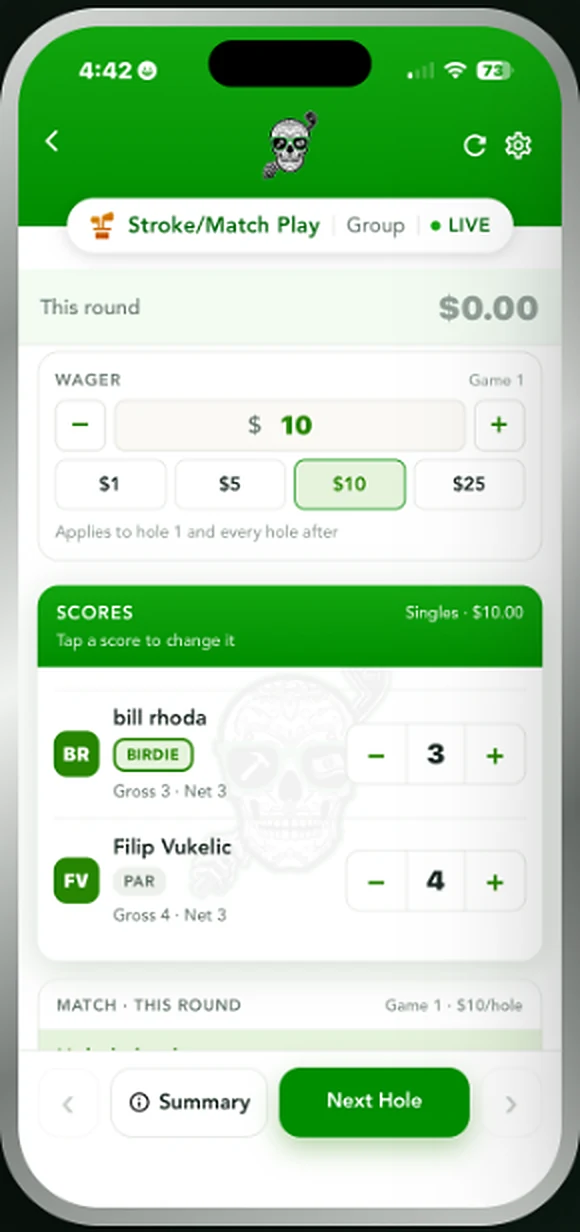
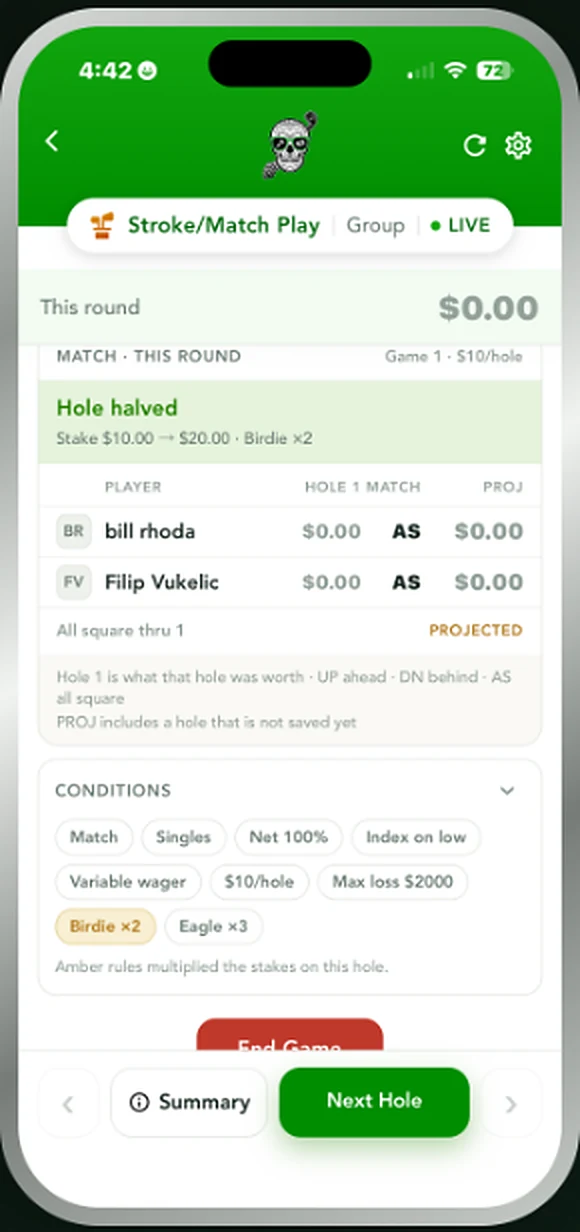
2+ golfersStroke or match, individual or teams. Variable amounts ride birdie and eagle multipliers with a cap you set up front.
Play it straight up as stroke play, or hole by hole as match play, one on one or in teams. Choose a constant amount for every hole or a variable one that climbs with birdies and eagles, and set a maximum so a bad stretch can't run away from anyone. Each hole shows whether it was won or halved, what the multipliers did to it, and where the match stands — up, down or all square — with the projected result thru the holes played so far.
Scotch
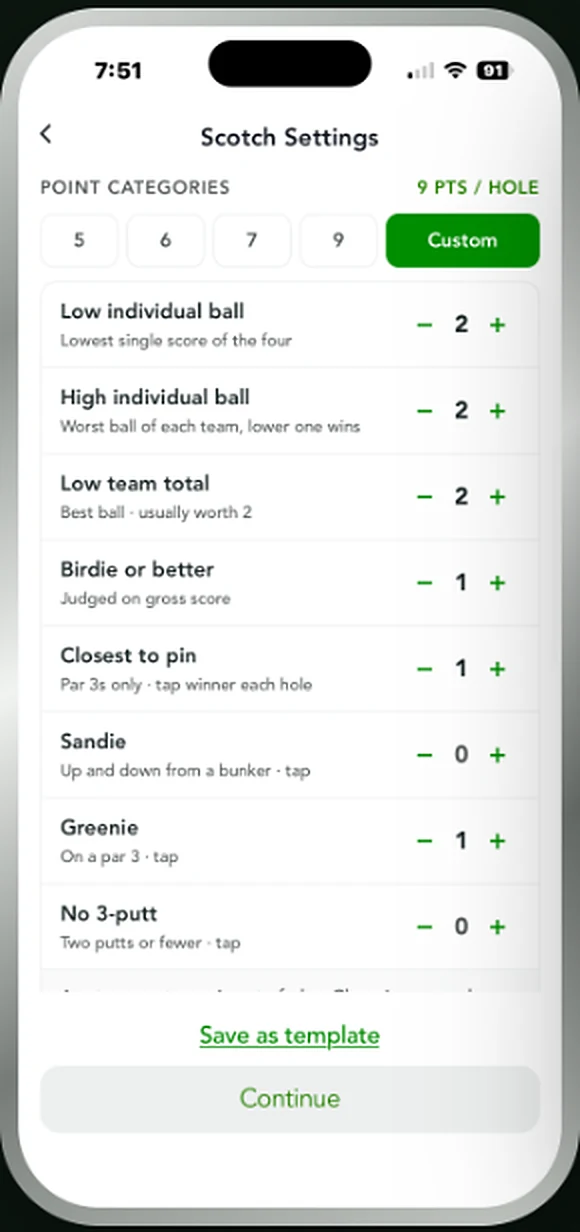
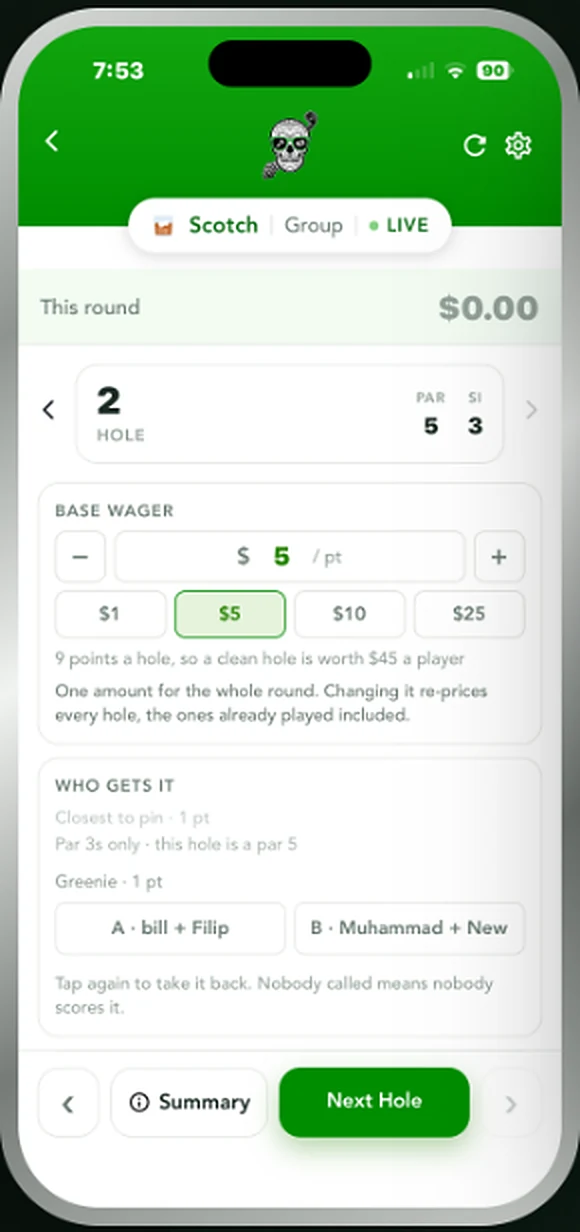
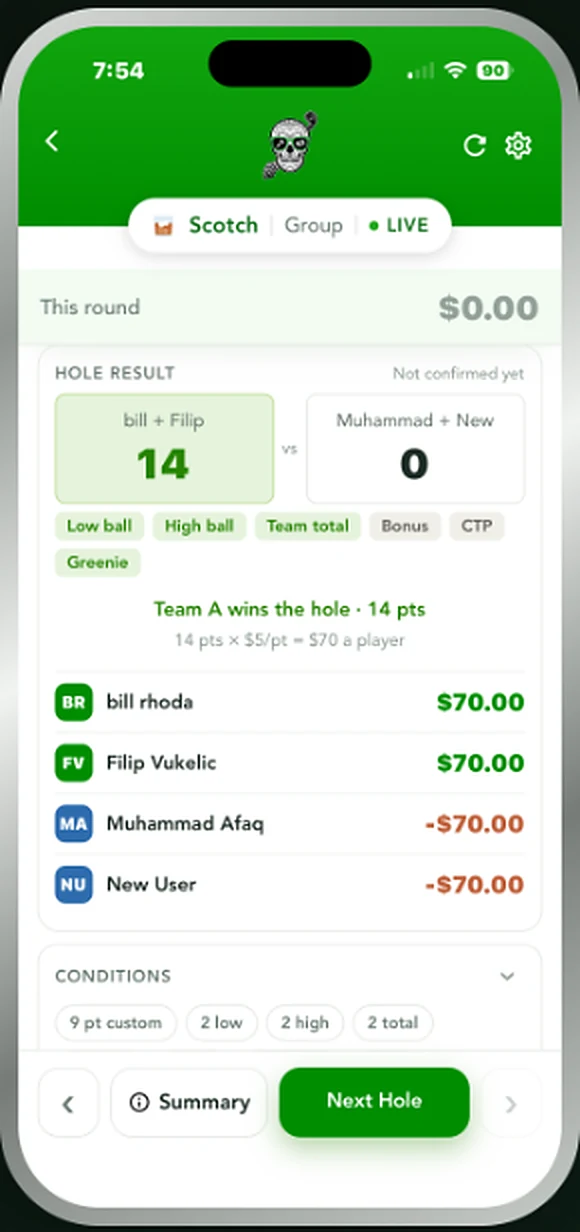
4 golfersNine points a hole across low ball, high ball, team total and the side categories. Every category is worth what your group says it is.
Also called Nines or Bridge, Scotch splits nine points a hole between two teams. Points go to the low individual ball, the high individual ball and the low team total, and your group can add closest to pin, sandies, greenies and no three-putt on top. Set each category's value yourself or use one of the standard splits, then tap the winner of each one as you go. A clean sweep of the hole is worth the full nine.
Las Vegas
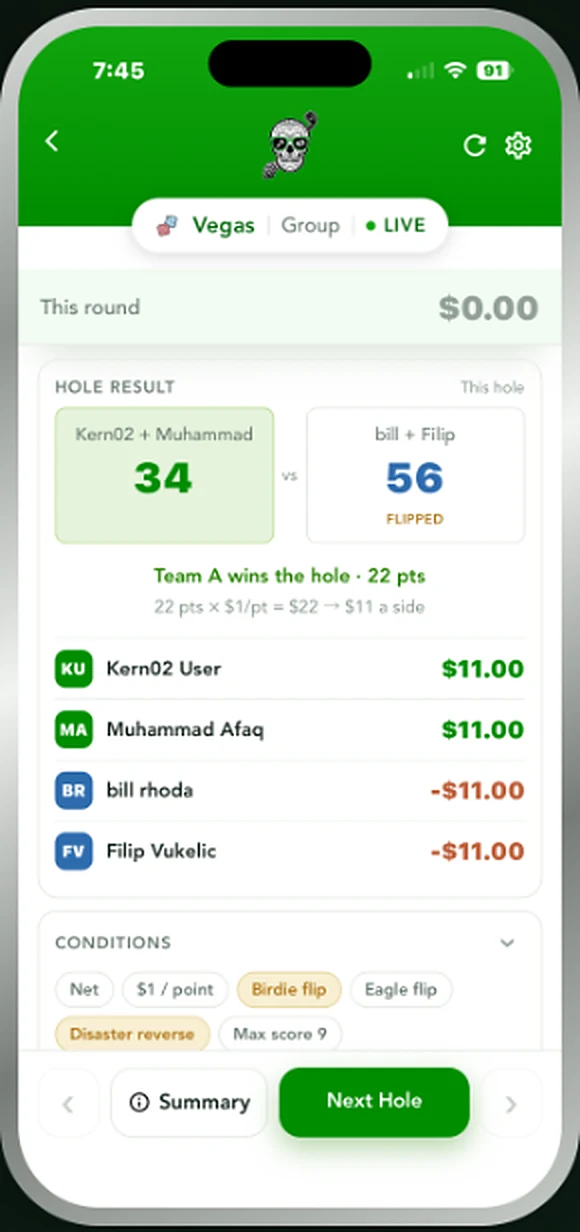
4 golfersTeam scores become two-digit numbers. Birdies flip the other side, and a blow-up can reverse the whole hole.
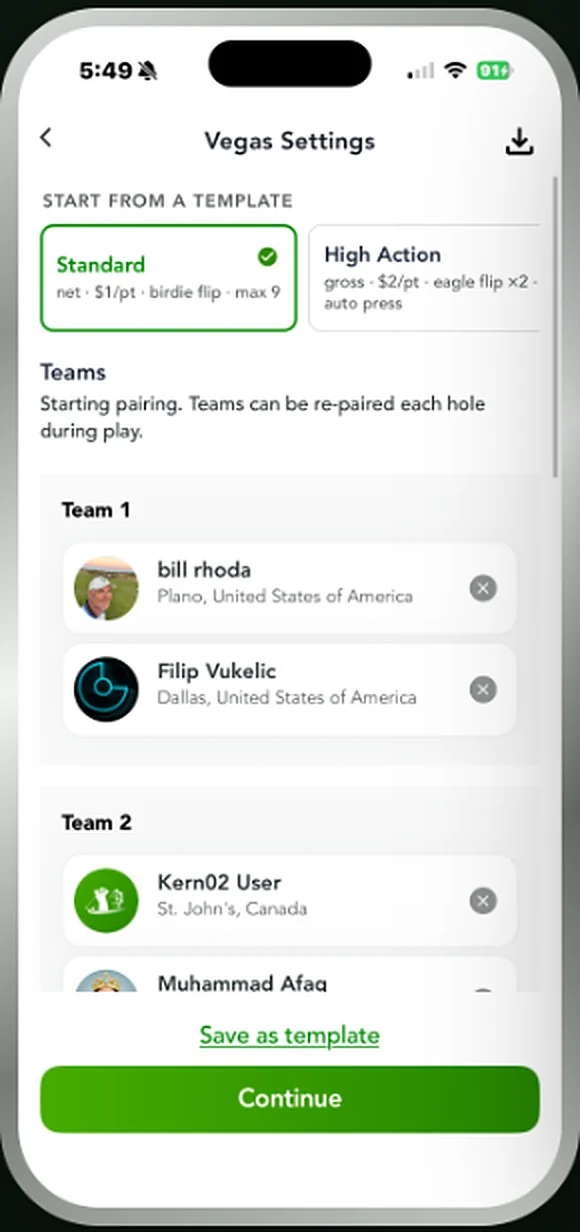
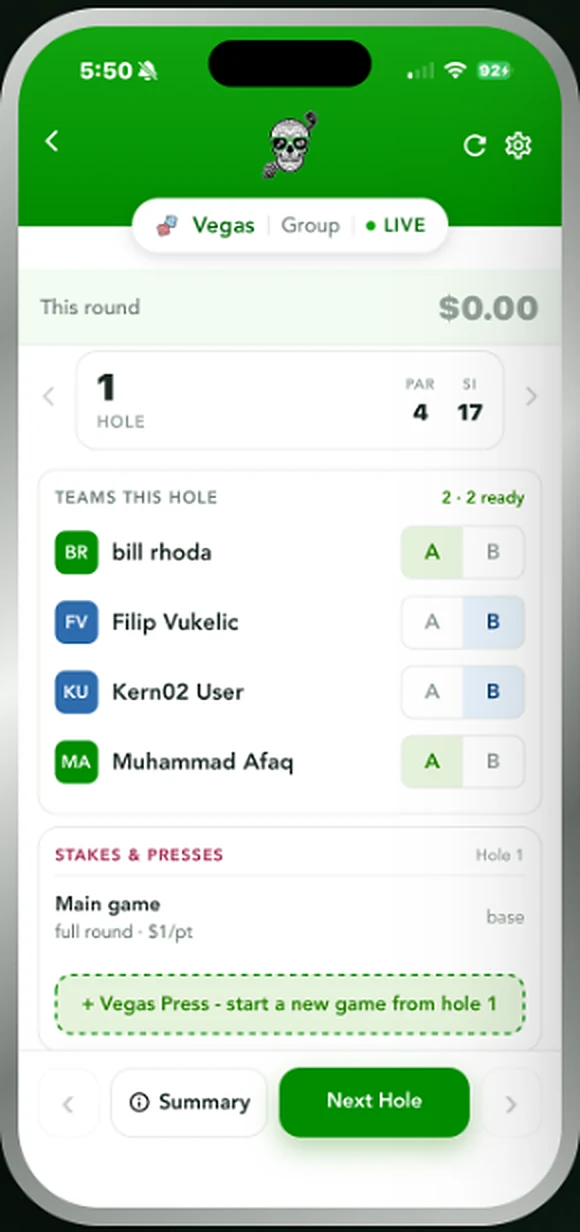
Each team's two scores combine into a single two-digit number — a 4 and a 5 becomes 45, low score first. The difference between the two teams is the points for the hole. Birdies flip the other team's number, turning 45 into 54 and swinging the hole hard, and a disaster score can reverse the result entirely. Re-pair the teams each hole if you want, cap the maximum, and start a fresh game from any hole with a Vegas press.
9 Point
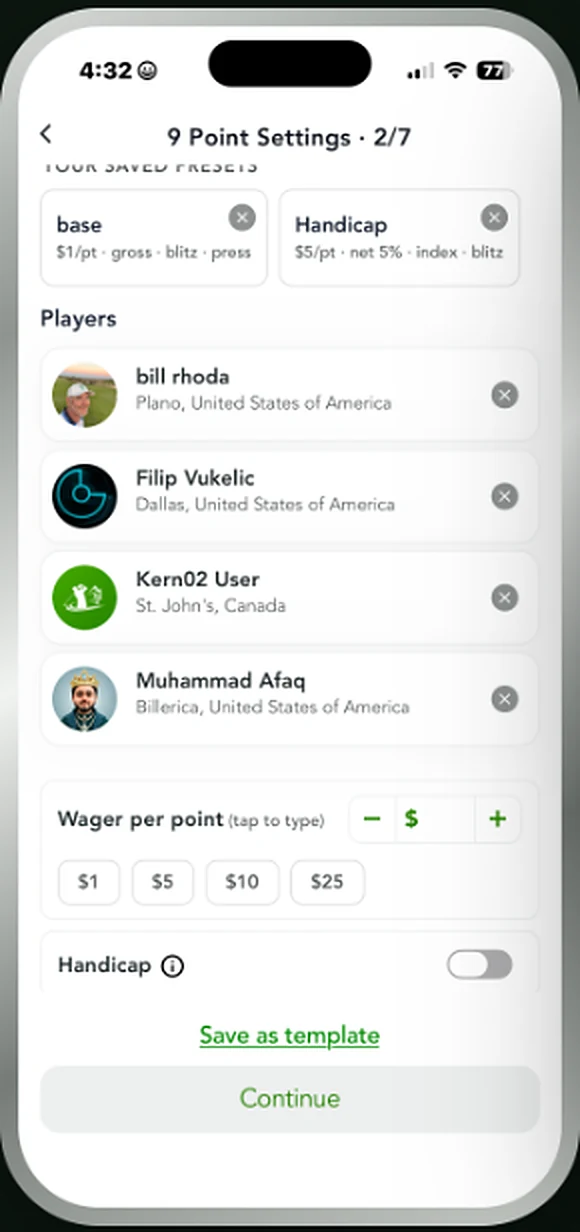
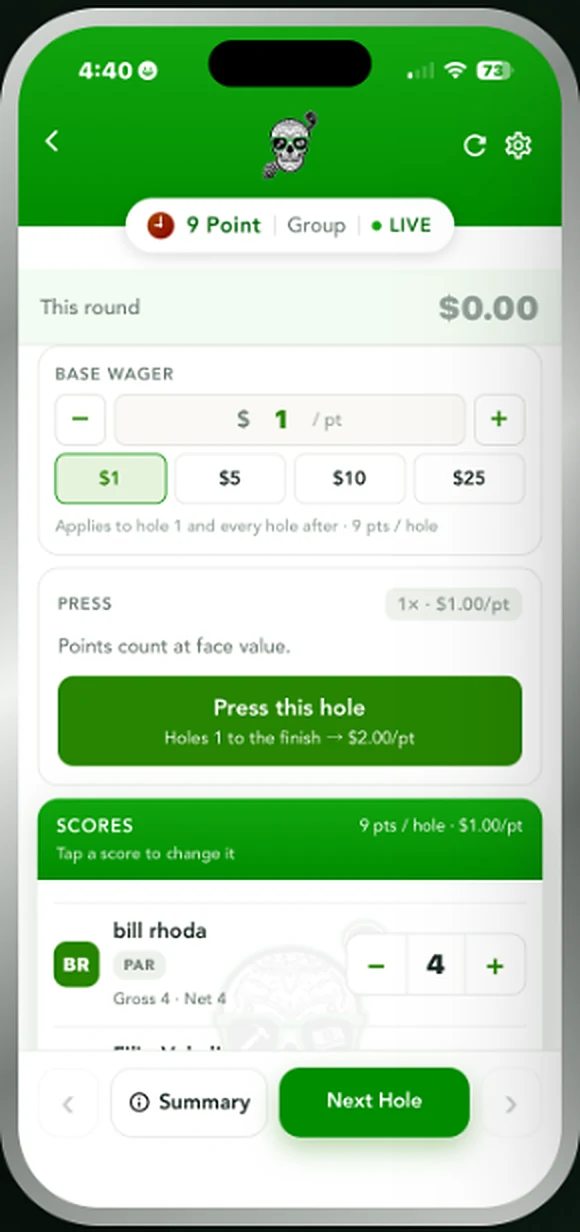
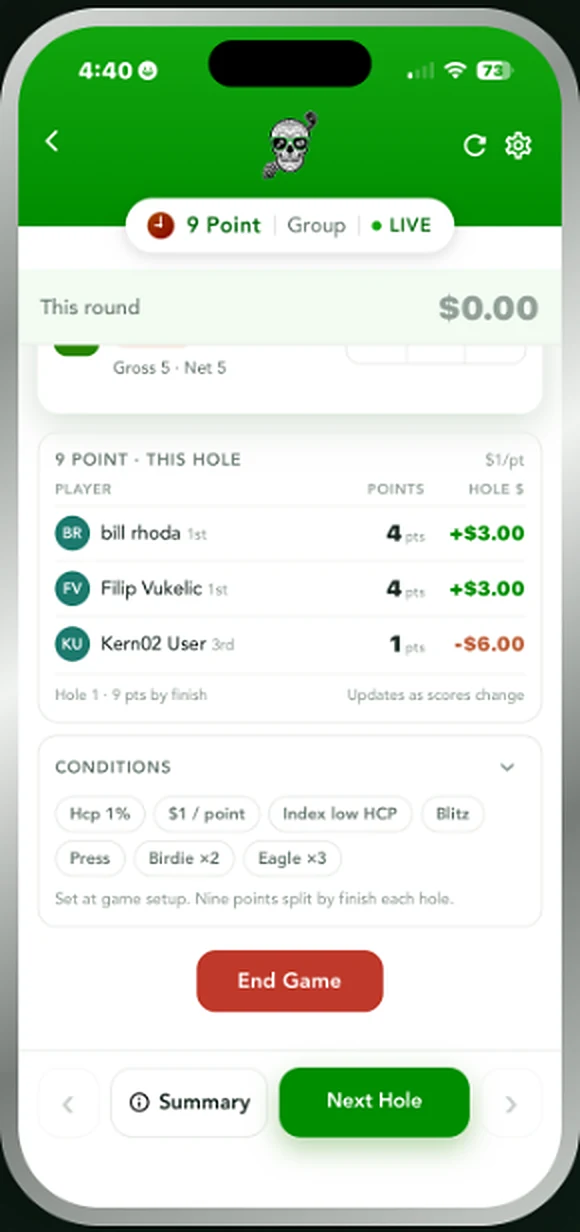
3 golfersNine points split by order of finish each hole. Blitz and press keep the back nine honest.
Built for a threesome. Nine points are on the table every hole and they split by finishing order — five for the low score, three for the middle, one for the high, with the points divided evenly when scores tie. Set what a point is worth, turn on handicaps, and let anyone press a hole to raise the value from there to the finish. Running totals update as scores go in, so nobody has to keep it in their head.
Quota
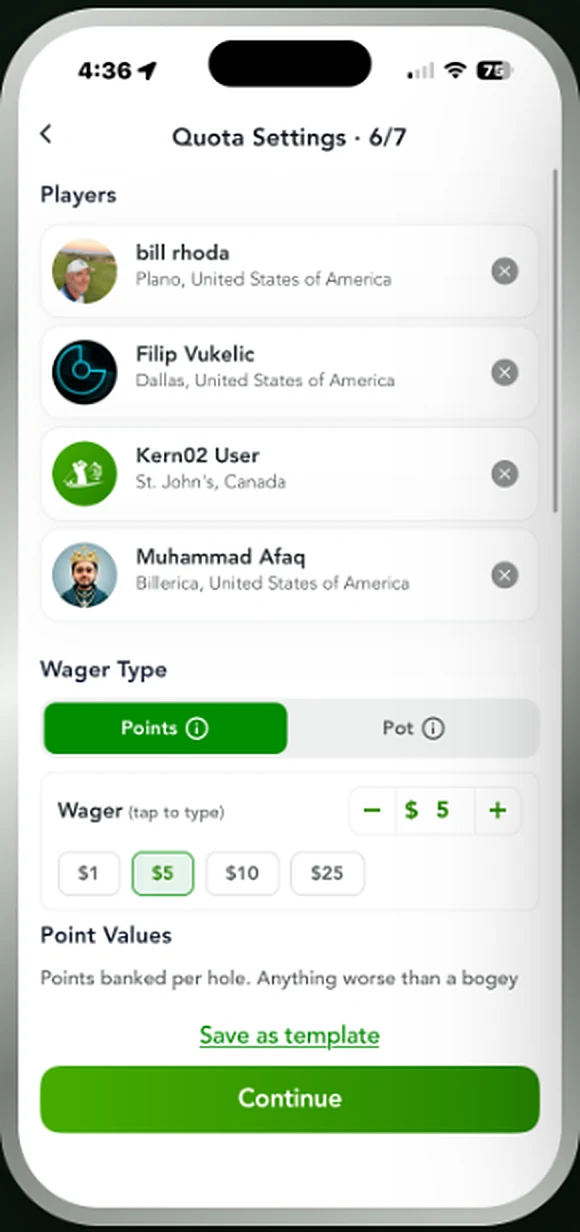
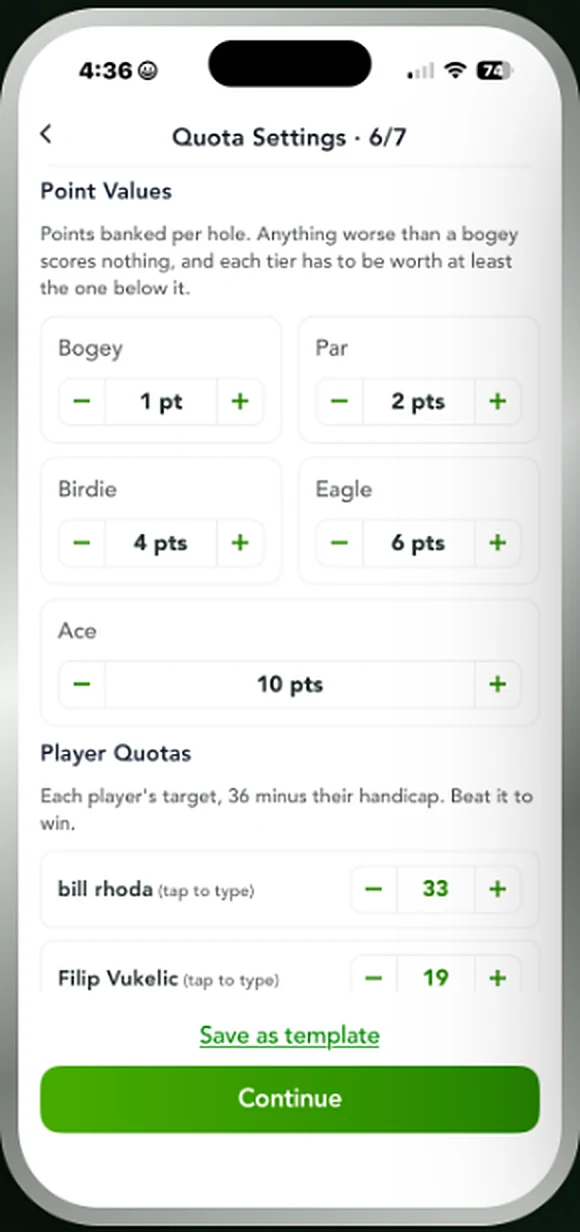
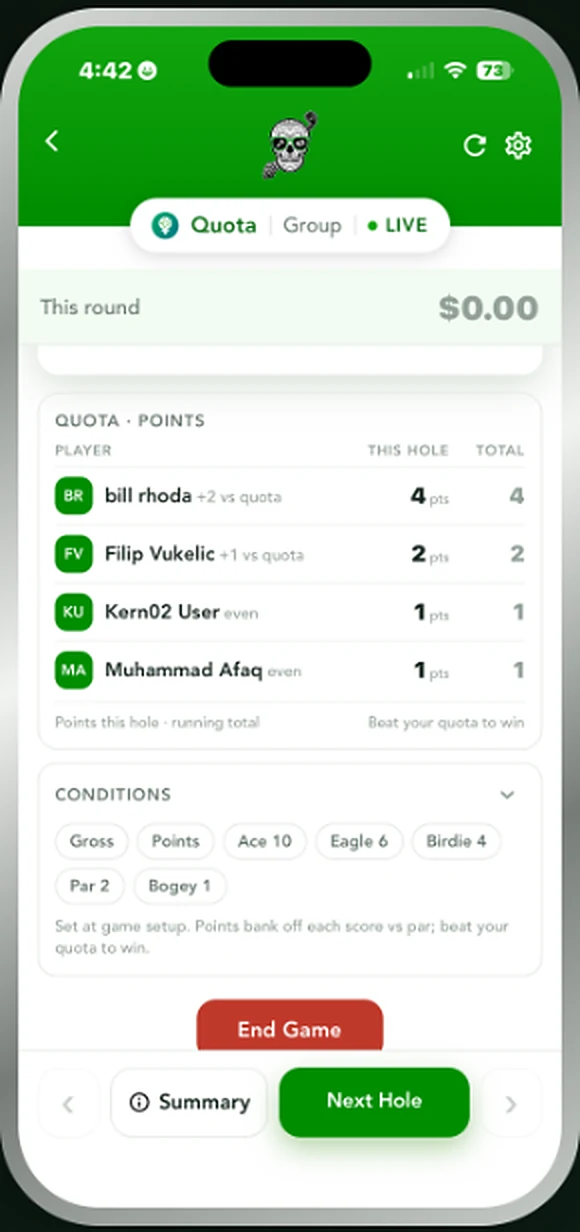
2+ golfersEvery golfer gets a target — 36 minus their handicap. Bank points hole by hole and beat your own number.
Quota levels the field without shuffling strokes around the card. Each golfer starts with a target of 36 minus their handicap, then banks points against it: one for a bogey, two for par, four for a birdie, six for an eagle, ten for an ace, with nothing for anything worse than bogey. Adjust the point values to whatever your group likes. Finish above your quota and you're up by the difference, finish below and you're down by it.
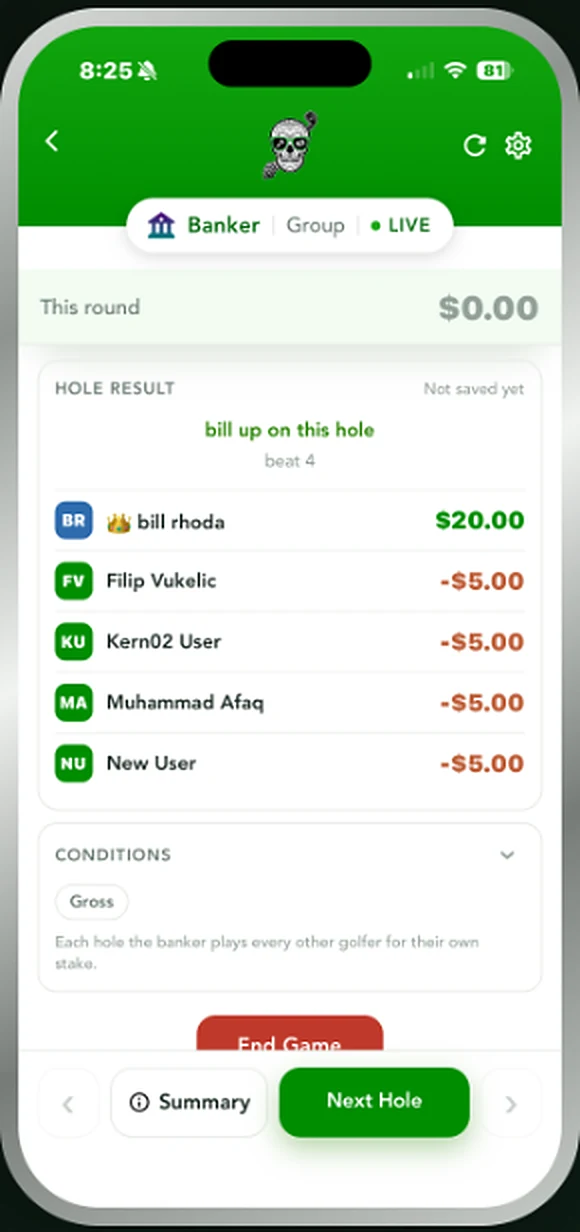
Banker
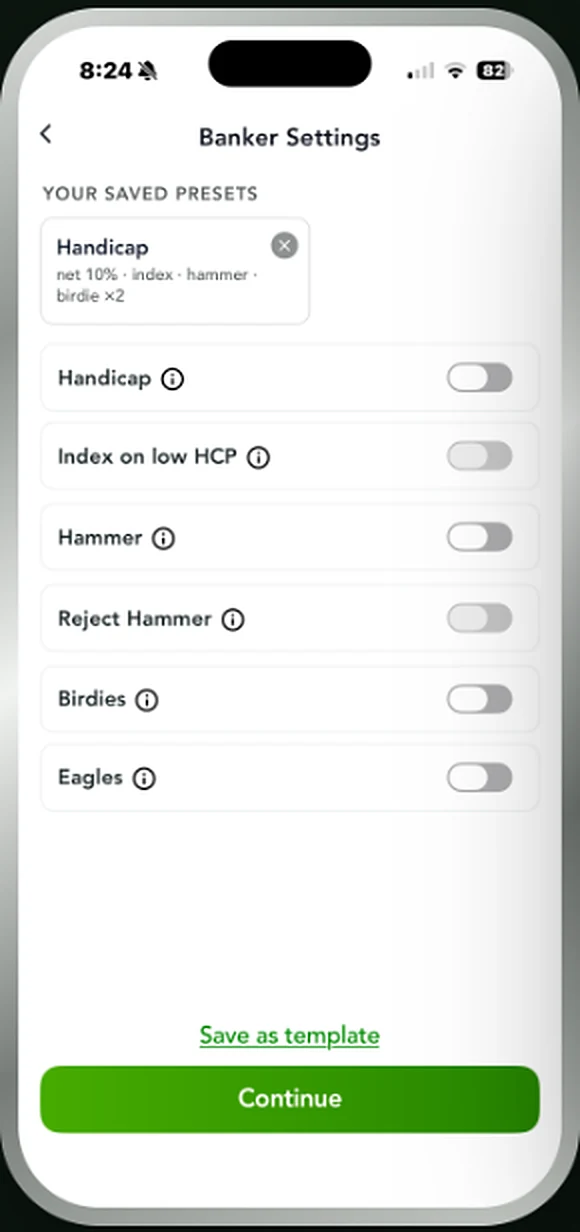
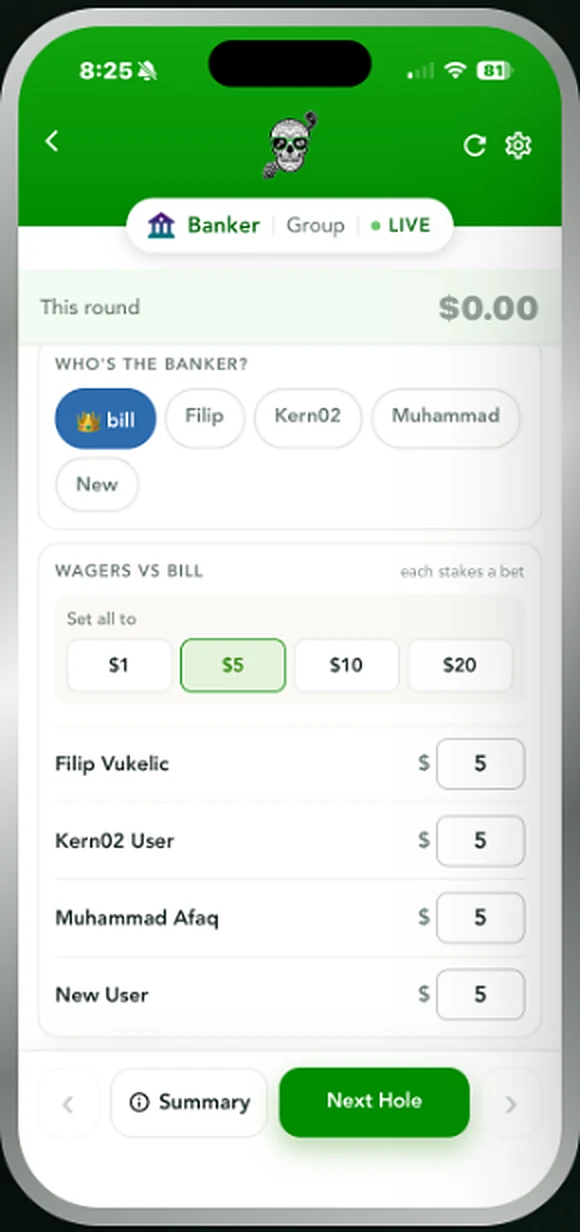
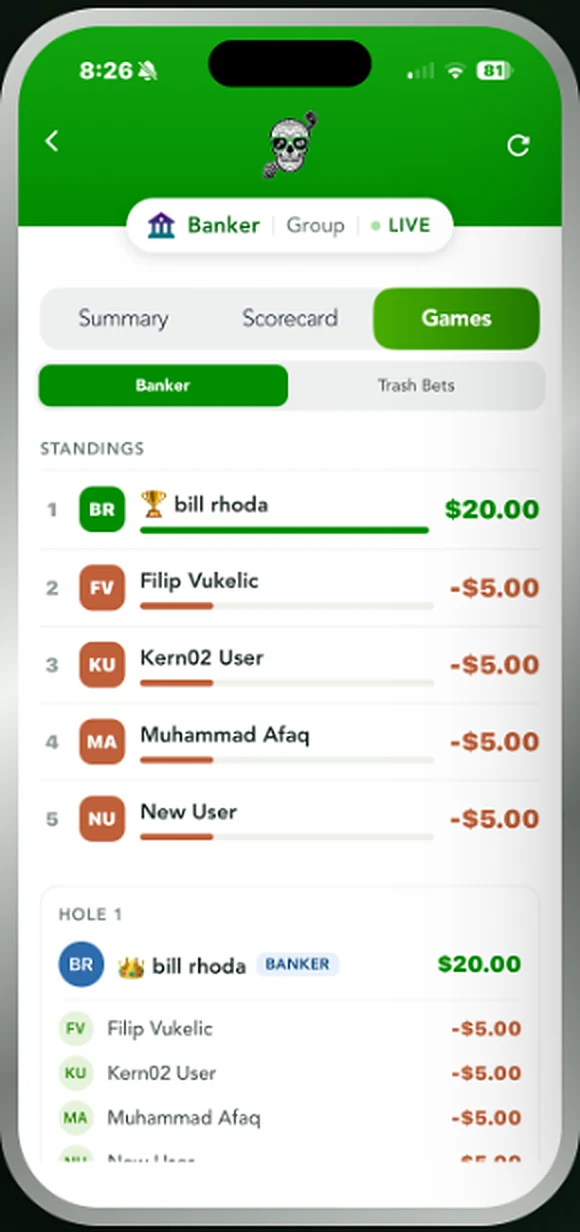
3+ golfersThe banker plays every other golfer one at a time. Set who holds the bank each hole, then let hammer and trash raise it.
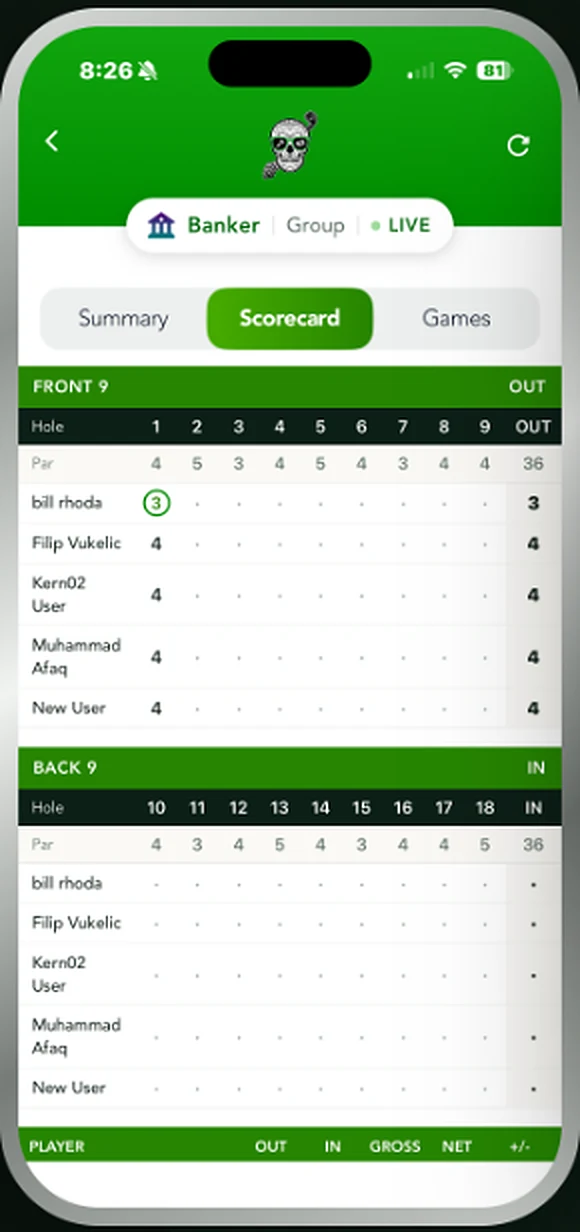
Also called Vegas Banker or Cut-Throat. One golfer holds the bank for the hole and plays a separate match against each of the others, so the banker can beat one and lose to another on the same hole. Pick the banker before anyone tees off, set the amount each golfer is playing for — the same across the board or different per player — and turn on hammer if your group lets the field double it mid-hole. The bank usually rotates, or goes to whoever won the last hole.
Snake
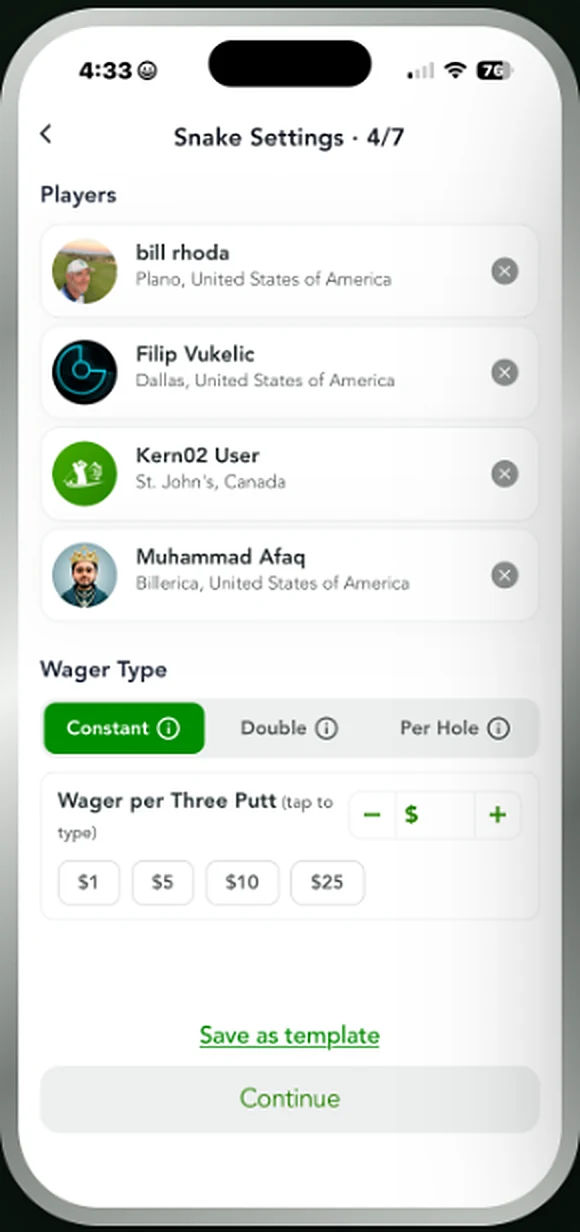
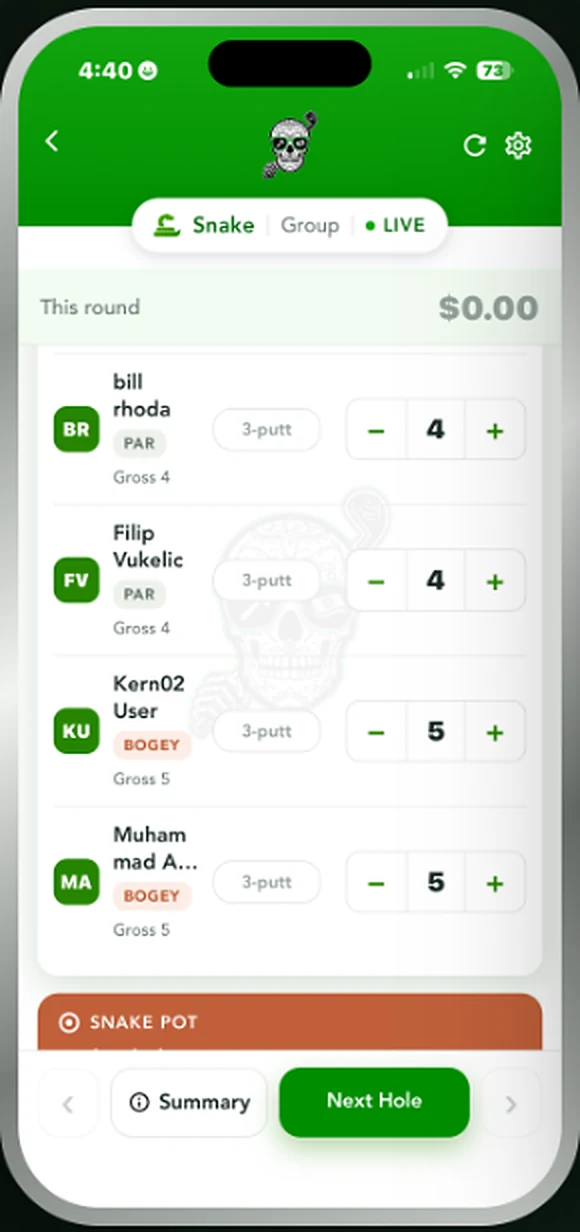
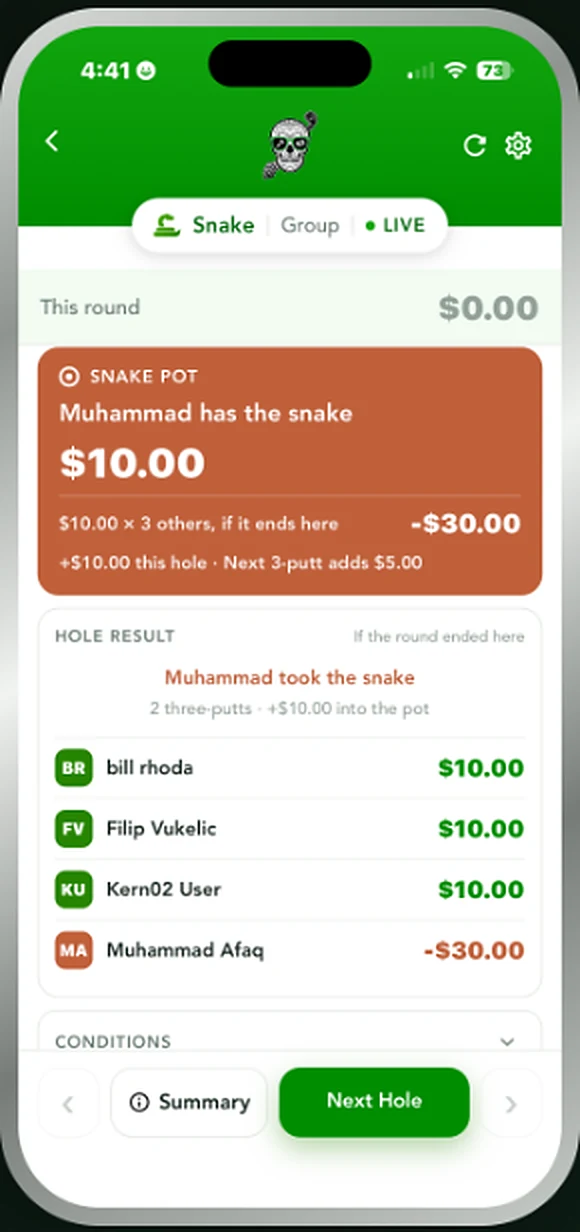
2+ golfersNobody wants the snake. Every three-putt adds to the total and hands it to the last golfer who blinked on the green.
Snake runs alongside whatever else you're playing. Three-putt and you've got the snake — plus whatever it was already worth. It keeps growing every time somebody three-putts, and it passes to the most recent offender, so the pressure lands on whoever is holding it walking up eighteen. Play it as a constant amount, doubling, or a different value per hole. Whoever has the snake when the round ends pays everyone else.
Add on to any game
Trash
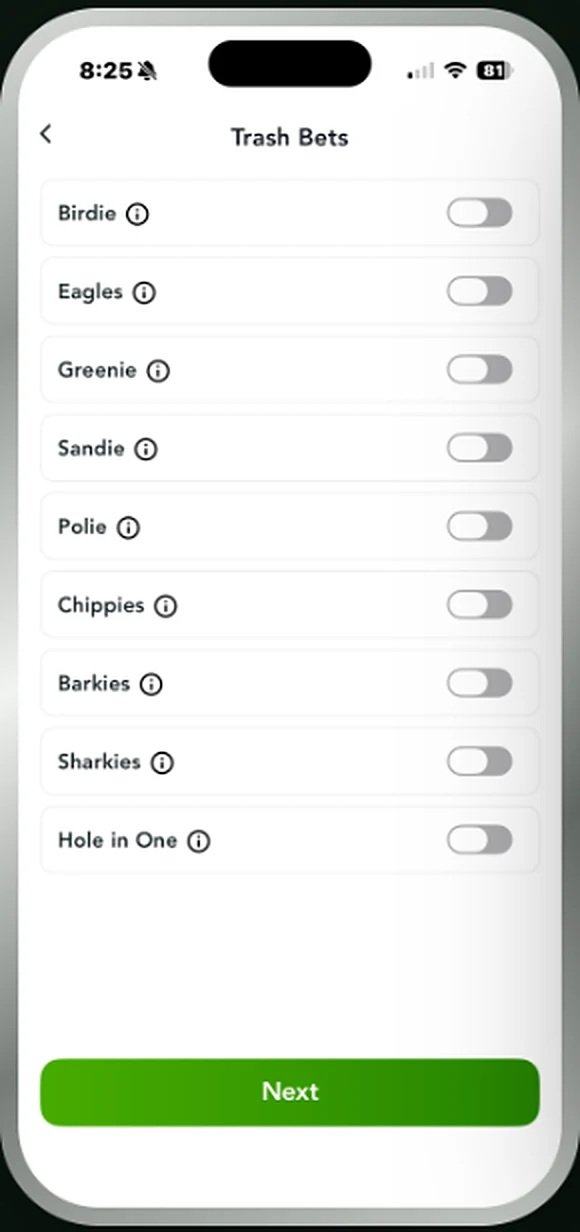
Trash rides along with whatever you're playing. Switch on the ones your group actually plays, track them per golfer, and they settle with everything else at the end of the round.
Greenies, sandies, barkies, polies, chippies, sharkies, birdies, eagles and the hole in one. Turn on only what your group plays, set what each one is worth, and tap the winner as it happens — no side note on the back of the card. Trash tracks per golfer inside whatever game you've got running and rolls into the same settle up at the end.
After the round
Settle Up
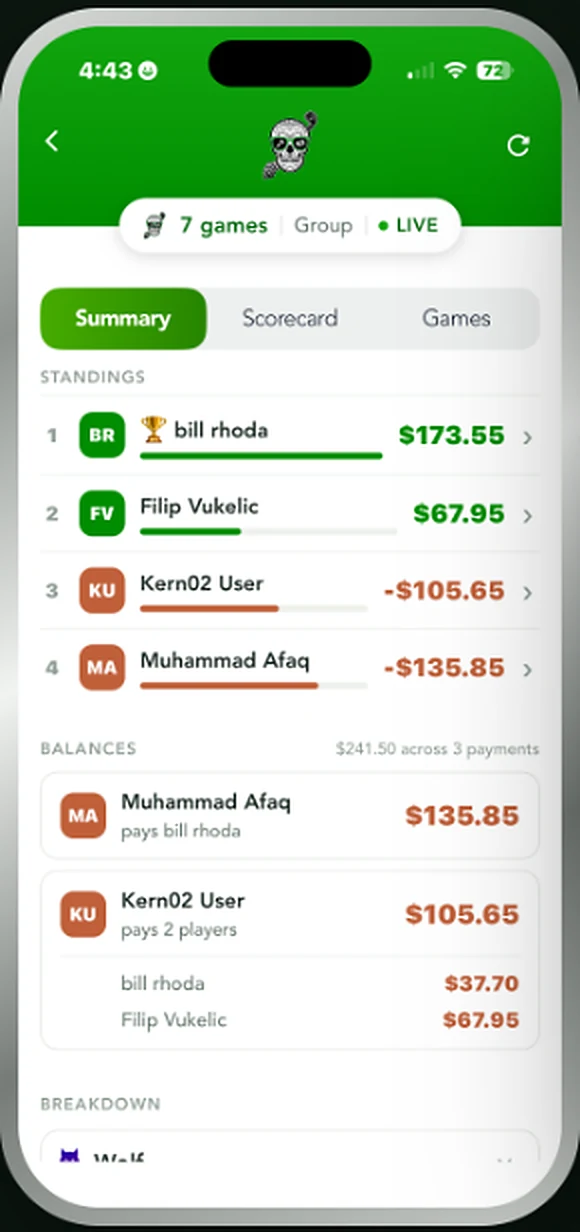
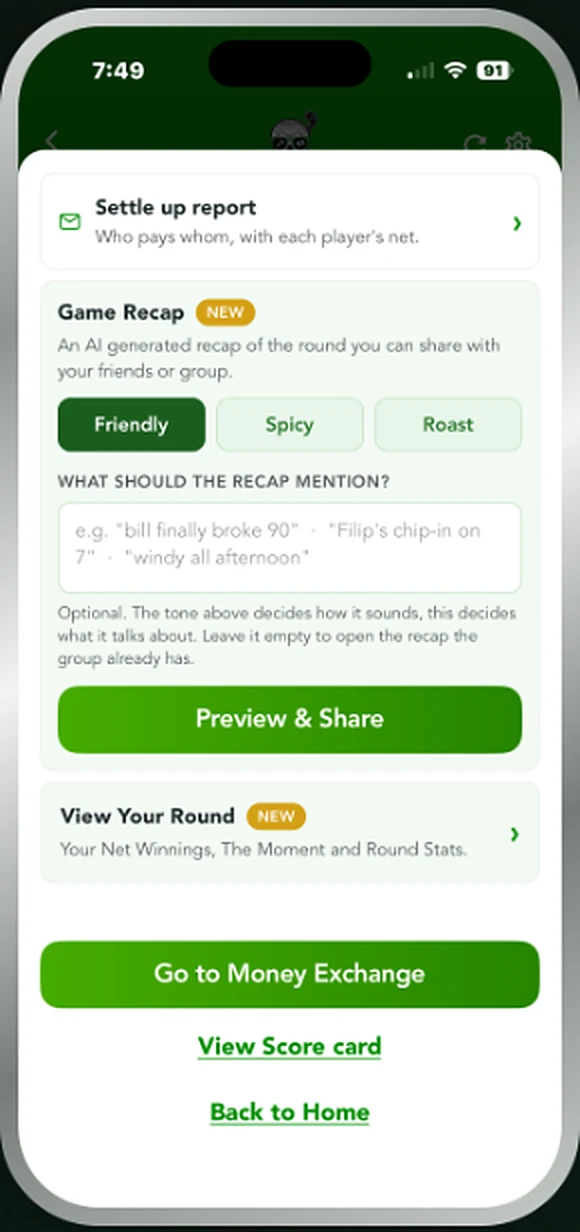
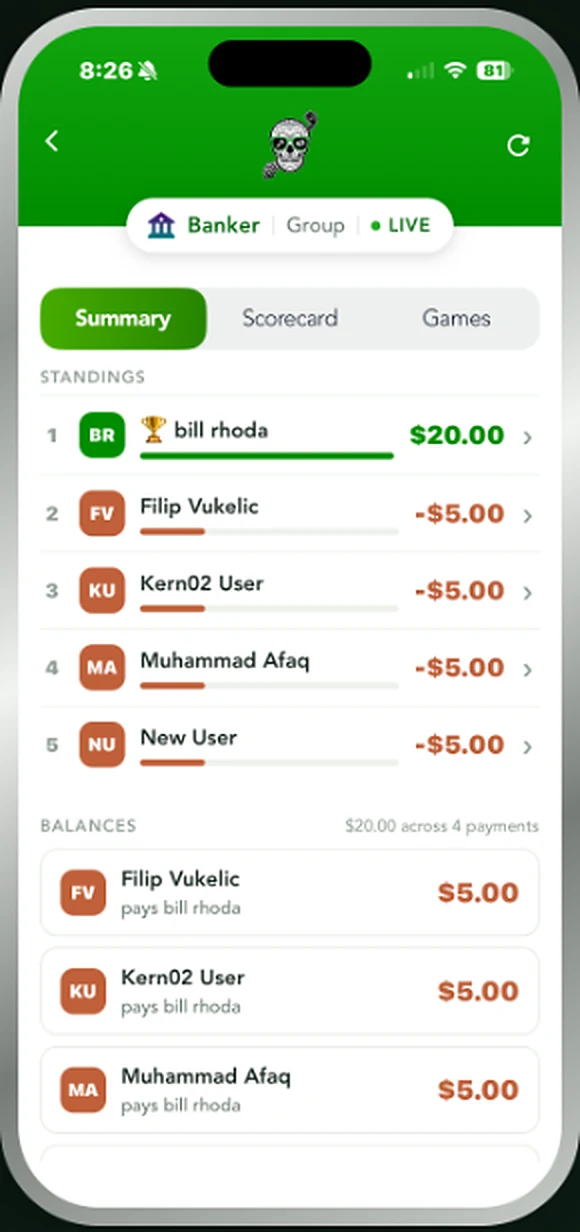
Every game in the round settles into one number per golfer, who owes whom, and a recap you can send straight to the group chat.
Play seven games at once and you still walk off with one number each. Standings show every golfer's net across the whole round, balances show the shortest set of payments to square everyone up, and the breakdown opens each game on its own. The full scorecard is there with gross, net and the front and back nines. Then there's the recap — friendly, spicy or roast — that writes up the round for the group chat, with the money exchange handled between golfers however they already do it.